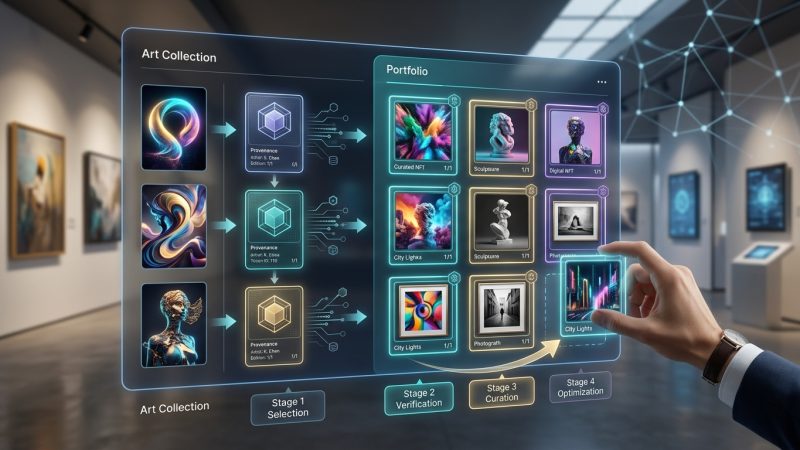
Storage and Security Best Practices for High-Value Digital Collections
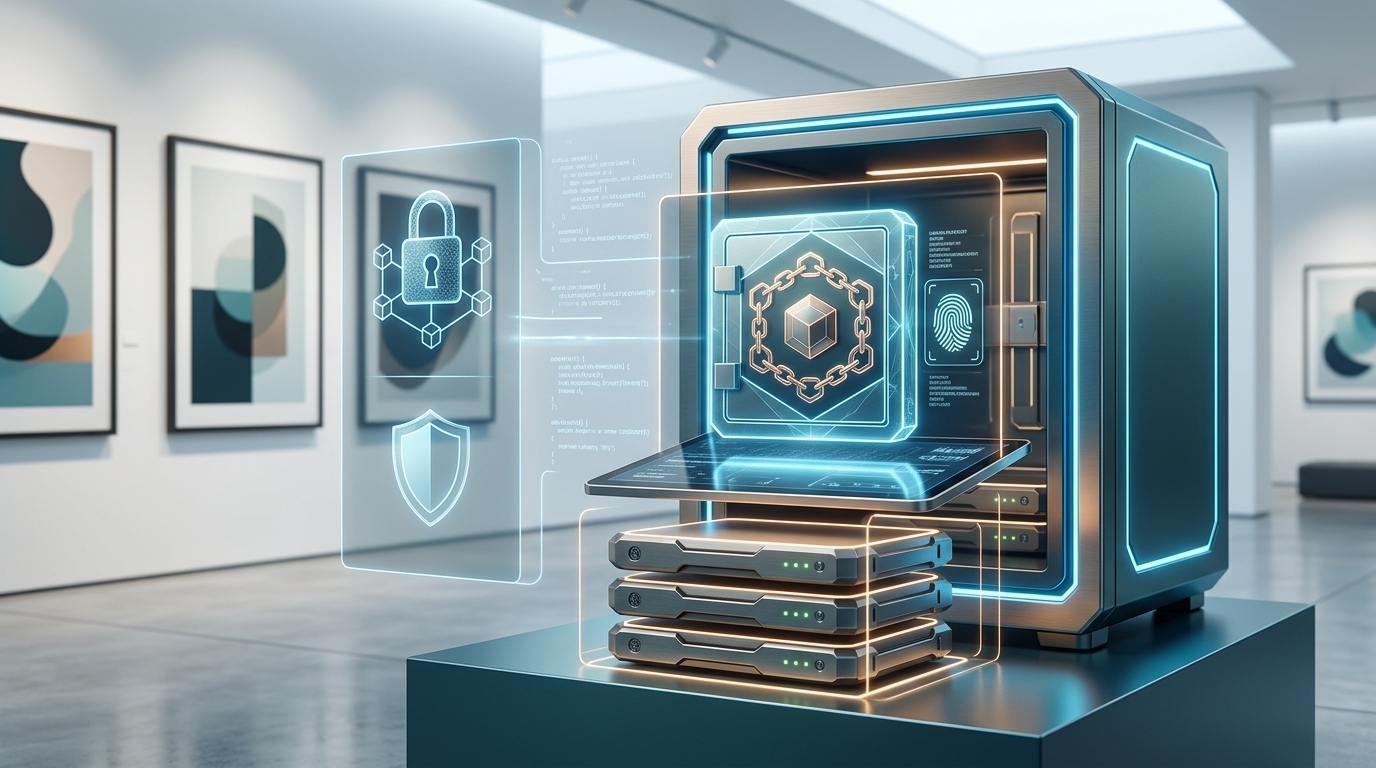
Institutional collections face a storage paradox. Digital assets promise permanence, yet they’re more fragile than any physical artifact. A single corrupted file, a failed backup, or a deprecated format can erase decades of cultural heritage in seconds.
The institutions that succeed aren’t the ones with the biggest budgets. They’re the ones that understand how digital preservation works at a technical level and build redundancy into every layer of their storage architecture.
Effective digital collection storage requires three foundational layers: redundant backups across multiple geographic locations, format migration schedules that prevent obsolescence, and access control systems that balance security with usability. Institutions that implement the 3-2-1 backup rule, maintain detailed metadata standards, and regularly test recovery procedures preserve collections for generations while minimizing loss risk from technical failures or security breaches.
Understanding the three pillars of digital preservation
Digital collection storage best practices rest on three interdependent systems that work together to prevent loss.
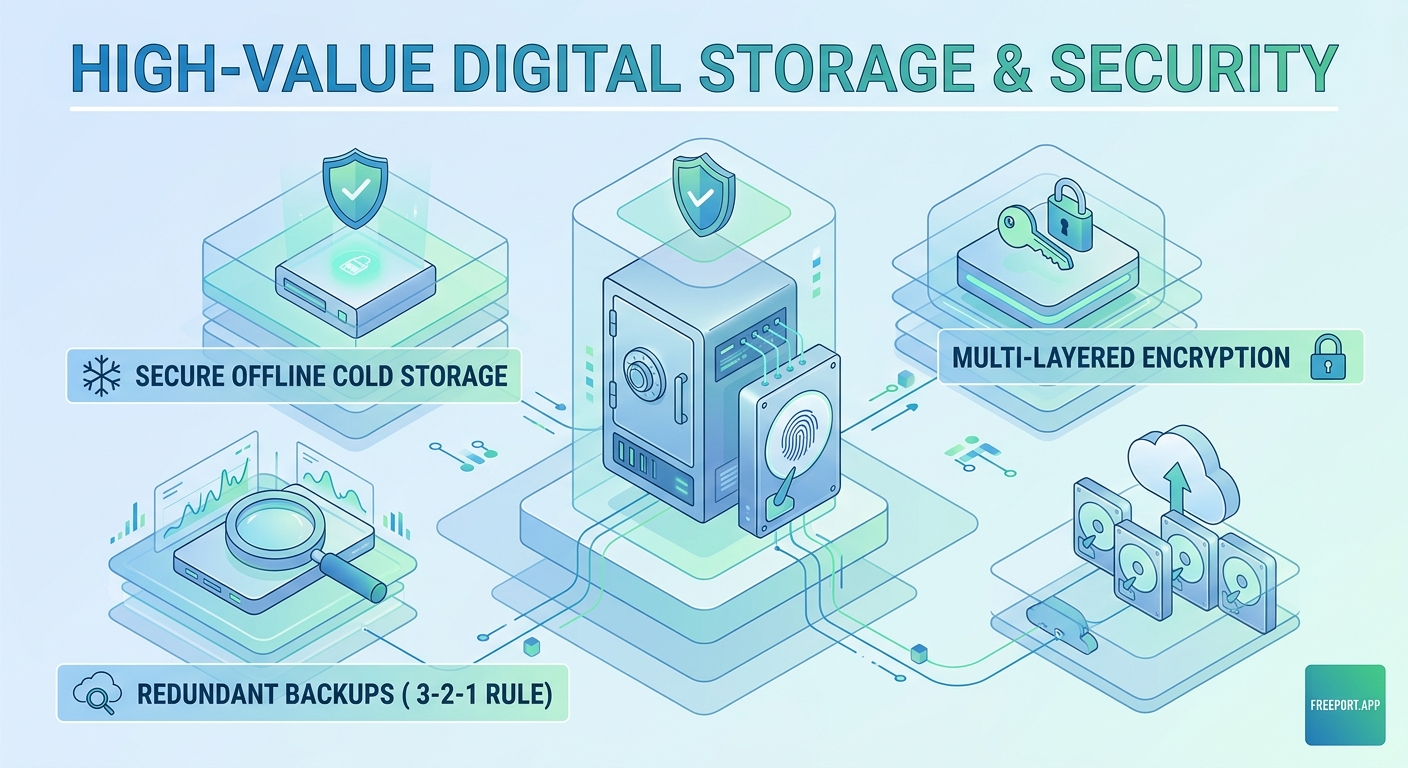
The first pillar is redundancy. Your collection should exist in at least three separate copies, stored on two different media types, with one copy maintained offsite. This 3-2-1 rule protects against hardware failure, natural disasters, and localized incidents.
The second pillar is format sustainability. File formats become obsolete faster than physical materials degrade. A TIFF from 2010 remains accessible, but a proprietary RAW format from the same camera might require specialized software that no longer runs on modern operating systems.
The third pillar is access control. Security and usability exist in tension. Too much restriction and your team can’t do their work. Too little and you risk unauthorized access or accidental deletion.
These three pillars inform every decision you make about storage architecture, backup schedules, and security protocols.
Building a redundant storage architecture
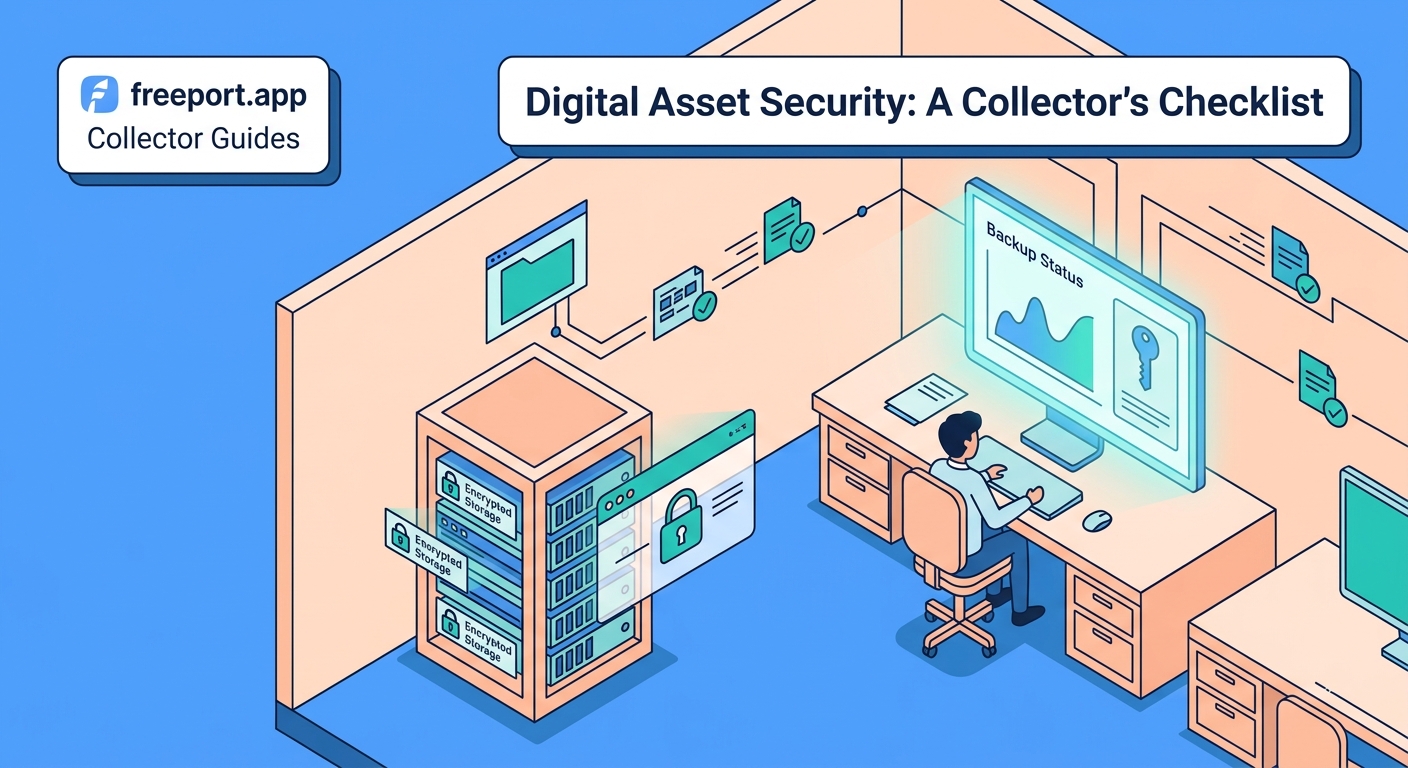
Start with local storage that your team can access daily. Network-attached storage (NAS) devices provide fast access for cataloging, research, and exhibition preparation. Choose enterprise-grade hardware with RAID configurations that survive individual drive failures.
Your second copy should use different technology. If your primary storage runs on hard drives, use tape or solid-state drives for secondary backup. This protects against format-specific failures or vulnerabilities.
The third copy lives offsite, ideally in a different climate zone. Cloud storage services designed for archival use offer geographic redundancy and long-term retention guarantees. Many institutions maintain relationships with peer organizations for reciprocal backup hosting.
“We learned the hard way that cloud storage alone isn’t enough. When our primary vendor had a regional outage, we couldn’t access anything for 72 hours. Now we use three different providers across two continents.” – Digital Collections Manager, Mid-Atlantic University Archive
Test your backups quarterly. Schedule actual recovery drills where team members restore files from each backup source. Documentation means nothing if nobody knows how to execute the recovery process under pressure.
Establishing format migration workflows
Format obsolescence happens gradually, then suddenly. The warning signs appear years before a format becomes truly inaccessible, giving you time to migrate if you’re paying attention.
Monitor these indicators:
- Software vendors discontinue support for reading or writing the format
- New operating systems drop native compatibility
- Professional communities stop using the format in active projects
- Hardware needed to access the format becomes unavailable
- File corruption rates increase as bit rot affects aging storage media
Create a migration priority matrix that ranks collections by value, access frequency, and format risk. High-value collections in at-risk formats get migrated first. Low-value collections in stable formats can wait.
Document every migration decision. Future archivists need to understand why you chose PNG over TIFF, or why you kept both the original and migrated versions. This metadata becomes part of the collection’s provenance.
Budget 5-10% of your annual digital preservation budget for format migration. The work never stops. New formats emerge, old ones fade, and your collection needs continuous attention to remain accessible.
Implementing access control without creating barriers
Security starts with role-based permissions. Not everyone needs access to everything. Create tiered access levels based on job function and collection sensitivity.
| Access Level | Permissions | Typical Roles |
|---|---|---|
| View Only | Browse metadata and low-resolution previews | Researchers, public users |
| Download | Access full-resolution files for approved projects | Faculty, graduate students |
| Edit Metadata | Modify catalog records and descriptive information | Catalogers, subject specialists |
| Full Admin | Upload, delete, modify access controls | Digital archivists, collection managers |
Two-factor authentication should be mandatory for anyone with upload or delete permissions. Password requirements alone don’t stop determined attackers or prevent credential theft.
Audit logs track every action taken on collection files. Who accessed what, when, and from where. Regular log reviews catch suspicious patterns before they become security incidents.
Balance security with usability by creating clear request processes for elevated access. Researchers shouldn’t wait weeks for permissions, but they should explain what they need and why.
Creating comprehensive metadata standards
Metadata prevents digital objects from becoming orphaned files. Without descriptive information, a high-resolution scan is just a collection of pixels with no context.
Your metadata schema should capture:
- Technical metadata (file format, resolution, color space, creation date)
- Descriptive metadata (title, creator, subject, date of original creation)
- Administrative metadata (rights status, access restrictions, preservation actions)
- Structural metadata (relationships between files in multi-part objects)
Use established standards like Dublin Core, MODS, or PREMIS rather than inventing your own system. Interoperability matters when you need to share collections or migrate to new platforms.
Automate metadata capture wherever possible. Modern digital asset management systems extract technical metadata automatically during ingest. This reduces human error and ensures consistency.
Review and enhance metadata on a rolling schedule. Collections ingested five years ago probably have incomplete or outdated information. Dedicate staff time to metadata improvement, not just new acquisitions.
Protecting collections from common threats
Digital collections face different threats than physical materials. Water and fire still matter if your servers are in a basement or near HVAC equipment, but you also need to plan for cyber attacks, accidental deletion, and software failures.
Ransomware targets institutional collections because attackers know cultural heritage materials can’t be replaced. Air-gapped backups that aren’t connected to your network provide insurance against encryption attacks. Even if attackers lock your primary storage, offline backups remain accessible.
Insider threats cause more data loss than external attacks. Disgruntled employees, careless mistakes, and well-intentioned but misguided “cleanup” efforts delete files that should be preserved. Version control and file recovery systems let you restore accidentally deleted materials.
Natural disasters require geographic distribution. If your institution sits in a flood zone, hurricane corridor, or earthquake region, offsite backups in stable locations protect against catastrophic loss.
Many institutions now explore blockchain-based provenance tracking to create immutable records of collection history and ownership. How smart contracts are revolutionizing art ownership and provenance demonstrates how these technologies apply to cultural heritage materials.
Developing disaster recovery procedures
Recovery procedures should be documented, tested, and accessible even when your primary systems are down. Print copies of critical procedures and store them with offsite backups.
Your disaster recovery plan needs to specify:
- Who has authority to declare a disaster and initiate recovery
- Contact information for all team members and vendors (current as of last quarterly review)
- Step-by-step recovery procedures for each backup system
- Priority order for restoring collections based on institutional needs
- Communication templates for stakeholders, donors, and the public
Test your plan annually with tabletop exercises that simulate different failure scenarios. What happens if your building floods? If your primary cloud provider goes bankrupt? If your digital asset management system vendor discontinues support?
Document lessons learned from each test and update procedures accordingly. Plans that sit on shelves without regular review become outdated and useless when you need them most.
Budgeting for long-term preservation
Digital preservation costs don’t end after initial setup. Storage needs grow as collections expand. Software requires updates and eventual replacement. Staff need training on new technologies and standards.
Calculate total cost of ownership over a ten-year horizon:
- Initial hardware and software purchases
- Annual software licensing and support contracts
- Cloud storage fees that increase with collection size
- Staff salaries for digital preservation specialists
- Format migration projects for at-risk materials
- Hardware replacement on a 3-5 year cycle
- Training and professional development
- Disaster recovery testing and plan updates
Many institutions underestimate ongoing costs and find themselves unable to maintain systems they built with grant funding. Sustainable digital preservation requires permanent operational budget, not just one-time project funding.
Look for cost-sharing opportunities with peer institutions. Shared storage infrastructure, collective licensing agreements, and reciprocal backup hosting reduce per-institution costs while improving overall resilience.
Integrating blockchain for provenance and authenticity
Cultural institutions increasingly adopt blockchain technology to create permanent, tamper-proof records of collection provenance. This matters especially for digital-born materials where traditional chain-of-custody documentation doesn’t apply.
Why museums are building blockchain art collections explains how major institutions use distributed ledger technology to track ownership, exhibition history, and conservation treatments.
Blockchain integration doesn’t replace traditional storage systems. It supplements them by providing an additional layer of verification. When questions arise about authenticity or ownership, blockchain records offer independent confirmation.
Consider blockchain solutions that align with your institution’s sustainability commitments. Proof-of-stake networks consume far less energy than older proof-of-work systems while providing similar security benefits.
Choosing between centralized and decentralized storage
Traditional centralized storage keeps all files in one logical location, even if physical redundancy exists. Decentralized storage distributes files across multiple nodes in a peer-to-peer network.
Centralized storage offers simpler management and faster access speeds. Your team works with familiar interfaces and established workflows. Troubleshooting is straightforward because you control the entire stack.
Decentralized storage provides resilience against single points of failure. Decentralized storage wars: IPFS vs Arweave for long-term NFT preservation compares leading platforms and their suitability for different collection types.
Most institutions benefit from hybrid approaches that use centralized storage for active collections and decentralized storage for long-term preservation. This balances accessibility with permanence.
Training staff on preservation workflows
Technology doesn’t preserve collections. People do. Your storage architecture only works if staff understand how to use it correctly.
Create role-specific training programs that cover:
- Daily backup verification procedures
- Ingest workflows that capture complete metadata
- Quality control checks for newly digitized materials
- Access request processing and permissions management
- Incident reporting for technical problems or security concerns
Schedule refresher training annually, not just during onboarding. Systems change, best practices evolve, and skills degrade without regular practice.
Document institutional knowledge before key staff members retire or move to other positions. The archivist who built your digital asset management system ten years ago might be the only person who understands how certain workflows function. Capture that expertise while you can.
Monitoring collection health and integrity
Automated monitoring catches problems before they become disasters. Set up alerts that notify you when:
- Backup jobs fail or don’t complete on schedule
- Storage capacity approaches predetermined thresholds
- File checksums don’t match expected values
- Access patterns deviate from normal usage
- Security logs show suspicious activity
Run fixity checks quarterly on high-value collections and annually on everything else. Fixity checking verifies that files haven’t changed since ingest by comparing current checksums against stored values.
Track metrics that indicate collection health:
- Percentage of collection with complete metadata
- Average time from ingest to public accessibility
- Number of access requests fulfilled per month
- Storage costs per terabyte over time
- Staff hours spent on preservation activities
Use these metrics to justify budget requests, identify workflow bottlenecks, and demonstrate value to institutional leadership.
Collaborating with peer institutions
No single institution has all the expertise, resources, or infrastructure needed for comprehensive digital preservation. Collaborative networks share knowledge, distribute costs, and provide mutual support.
Join professional organizations focused on digital preservation. Groups like the Digital Preservation Coalition, National Digital Stewardship Alliance, and regional consortia offer training, consulting, and community support.
Participate in format migration pilot projects that test new tools and workflows. Early adopters help the broader community by documenting what works and what doesn’t.
Consider federated storage arrangements where multiple institutions host backups for each other. This provides geographic redundancy without the cost of maintaining multiple commercial cloud accounts.
Share anonymized incident reports when things go wrong. The digital preservation community learns more from failures than successes, but only if institutions are willing to discuss what happened and how they recovered.
Planning for platform obsolescence
Digital asset management platforms don’t last forever. Vendors go out of business, get acquired, or discontinue products. Your institution needs exit strategies before you commit to any platform.
Evaluate platforms based on:
- Support for standard metadata schemas and export formats
- API access for programmatic data extraction
- User community size and activity level
- Vendor financial stability and product roadmap
- Total cost of ownership including hidden fees
Maintain export-ready copies of your collection metadata in open formats. If you need to migrate platforms, you shouldn’t have to rebuild decades of cataloging work.
Test platform exports annually. Don’t wait until you’re forced to migrate to discover that the export function doesn’t work as documented or produces corrupted data.
Budget for platform migration every 7-10 years. Even successful platforms require replacement eventually as technology evolves and institutional needs change.
Addressing the unique needs of born-digital collections
Born-digital materials present preservation challenges that don’t exist for digitized physical objects. Software dependencies, interactive features, and complex file relationships require specialized approaches.
Emulation preserves the original user experience by recreating the technical environment where digital objects were created. A 1990s website preserved through emulation looks and functions exactly as it did originally, including broken links and outdated design choices.
Migration updates digital objects to current formats and platforms. This maintains accessibility but sacrifices authenticity. The migrated version works on modern systems but differs from the original in subtle or significant ways.
Most institutions use both strategies depending on collection priorities. High-value materials with significant research interest justify emulation’s higher costs. Routine administrative records get migrated to current formats.
Document preservation decisions thoroughly. Future users need to understand whether they’re viewing an emulated original or a migrated derivative, and why you chose that approach.
Securing collections during transitions
Collections are most vulnerable during migrations, platform changes, and organizational transitions. These periods of flux create opportunities for data loss if you don’t plan carefully.
Before any major transition:
- Create fresh backups of all collections
- Document current system configurations
- Test restoration procedures from backup
- Verify metadata completeness and accuracy
- Establish rollback procedures if migration fails
Run old and new systems in parallel during transition periods. This lets you verify that migrated data matches source data before decommissioning legacy systems.
Keep legacy systems accessible for at least six months after migration. Early problems might not surface immediately, and you may need to reference original data to resolve discrepancies.
Making storage decisions that scale
Storage needs grow faster than most institutions anticipate. Plan for 3-5x growth over five years, not linear expansion.
Cloud storage scales more easily than on-premises infrastructure. Adding capacity requires a budget increase, not hardware procurement, installation, and configuration.
On-premises storage offers predictable costs and complete control. You’re not subject to vendor price increases or service changes, but you handle all maintenance and upgrades.
Hybrid approaches combine cloud and local storage based on access patterns and cost optimization. Frequently accessed materials stay local for speed. Archival materials migrate to cheaper cloud storage tiers.
Calculate cost per terabyte across different scenarios before committing to a storage strategy. Include staff time, hardware replacement cycles, and software licensing in your analysis.
Preserving context alongside content
Digital objects without context lose meaning. A photograph without date, location, or subject information becomes decoration rather than documentation.
Capture contextual information at ingest:
- Relationships to other objects in the collection
- Exhibition history and public presentation
- Conservation treatments and technical interventions
- Rights status and usage restrictions
- Acquisition information and donor relationships
Link related materials even when they exist in different formats or locations. A manuscript letter, its digitized surrogate, and a transcription should all reference each other in metadata.
Preserve original file structures when possible. The way files were organized often contains information about how they were used and what relationships existed between them.
Building institutional knowledge that persists
Digital preservation succeeds or fails based on institutional commitment, not individual expertise. Systems that depend on one person’s knowledge fail when that person leaves.
Create comprehensive documentation that covers:
- Why you made specific technical decisions
- How current workflows evolved over time
- What alternatives you considered and rejected
- Where to find additional information or support
- Who to contact for specific types of problems
Store documentation in multiple formats and locations. Paper manuals, wiki pages, and video tutorials all serve different learning styles and use cases.
Schedule knowledge transfer sessions when staff roles change. Outgoing employees should train their replacements, not just hand over login credentials.
Build relationships with vendors, consultants, and peer institutions before you need help. When problems arise, you want established contacts who understand your environment and can respond immediately.
Protecting your institution’s digital legacy
Digital collection storage best practices aren’t static. Technology evolves, standards change, and new threats emerge. The institutions that preserve collections successfully treat digital preservation as an ongoing commitment, not a completed project.
Start with the fundamentals. Implement the 3-2-1 backup rule. Establish metadata standards. Create access controls. Test your disaster recovery plan. These basics protect against the most common causes of collection loss.
Build from there based on your institution’s specific needs and resources. Not every collection requires blockchain provenance tracking or decentralized storage. Match your preservation strategies to collection value, use patterns, and available budget.
Remember that perfect preservation is impossible. Formats will become obsolete. Platforms will shut down. Technologies will fail. Your job isn’t to prevent all loss. It’s to minimize risk through thoughtful planning, redundant systems, and regular testing.
The collections you preserve today document our shared cultural heritage for future generations. That responsibility deserves the best storage and security practices you can implement with the resources you have available.